WeChat WiFi QR Code
Scan with WeChat to connect WiFi instantly, no password input needed. Perfect for homes, stores, and offices
Use WeChat Mini Program
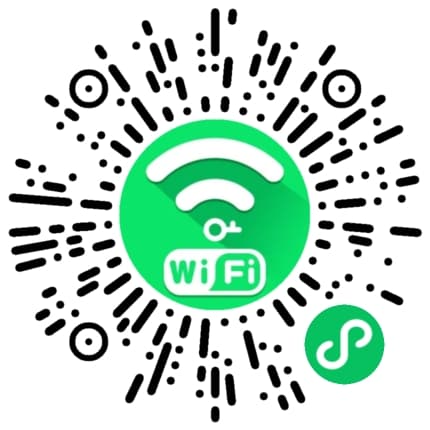
Scan the QR code below to quickly generate WiFi QR codes in WeChat
Quick Connect
Scan to connect, no password input needed
Secure & Reliable
Encrypted password storage for network security
Multi-scenario
Perfect for homes, stores, and offices
Introduction
WeChat WiFi QR code is a convenient way to share WiFi access. Users simply scan the QR code with WeChat to automatically connect to the specified WiFi network without manually entering complex passwords. This is especially useful for home guests, store customers, and office visitors.
Through our WeChat Mini Program, you can quickly generate custom WiFi QR codes with customizable styles and colors. The generated QR codes can be saved and shared, or printed and posted in visible locations for easy guest access.
How to Use
- 1Scan the Mini Program QR code above with WeChat to open the WiFi QR Code Generator
- 2Enter your WiFi name (SSID) and password in the Mini Program
- 3Select encryption type (WPA/WEP/None) and customize QR code style
- 4After generating, save to album or share directly with others
FAQ
Why use WeChat Mini Program to generate?
The WeChat Mini Program can directly invoke WeChat's scan-to-connect feature, making the generated QR codes more stable and reliable. The Mini Program also supports saving history for managing multiple WiFi networks.
Is the generated QR code secure?
Yes, WiFi passwords are encrypted before being stored in the QR code and can only be parsed through WeChat scanning. We recommend not sharing QR codes on public networks to avoid password leaks.
What encryption types are supported?
Supports WPA/WPA2 (most common), WEP, and no encryption. We recommend using WPA/WPA2 encryption to ensure network security.